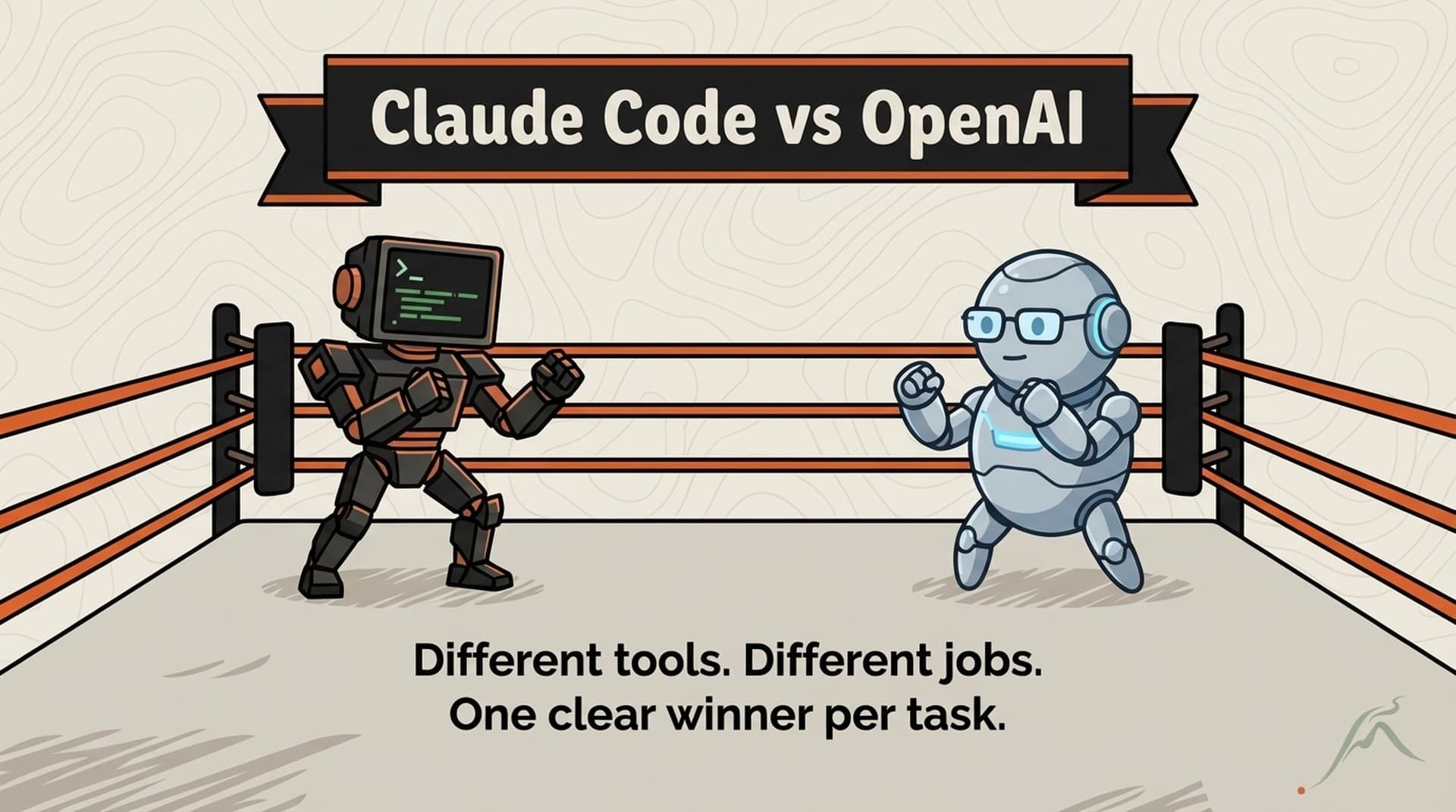
Cursor is the better tool for writing and editing code. Claude Code is the better tool for non-code GTM workflows like competitive research, content production, meeting prep, and deal intelligence. I use both daily. The distinction isn't quality; it's architecture. Cursor is built around an IDE. Claude Code is built around a file system. That difference determines which GTM tasks each tool handles well.
Why This Comparison Exists
If you search "Claude Code vs Cursor," you'll find developer comparisons focused on code completion speed, refactoring quality, and IDE integration. Those comparisons are useful for engineers. They're useless for GTM teams evaluating which AI tool to standardize on.
The GTM evaluation criteria are different:
- Can it maintain persistent context about my ICP, competitive landscape, and deal stages across sessions?
- Can it produce content in my brand voice without re-explaining the voice every time?
- Can it chain multiple research and production steps into a single workflow?
- Can it connect to my CRM, knowledge base, and analytics tools?
- Can non-technical team members use it within a week?
These questions don't appear in developer-focused comparisons. So I'm writing the comparison I wanted to find when I was evaluating tools for GTM operations 18 months ago.
For context: I've used Cursor since its early beta for website development and code editing. I've used Claude Code for 2.5 years across GTM workflows. I currently run both tools daily, Cursor for the STEEPWORKS website codebase and Claude Code for everything else. This isn't a vendor review. It's an operator's field report.
Architecture: IDE-Native vs File-Native
This is the fundamental difference that drives every other comparison point.
Cursor is IDE-native. It lives inside a code editor (a VS Code fork). Its context model is the open project in your editor. It excels at understanding code structure, navigating codebases, suggesting edits, and running terminal commands within the IDE context. The AI sees what you see in the editor.
Claude Code is file-native. It operates on your file system directly. Its context model is a CLAUDE.md instruction file plus whatever files exist in your workspace. It doesn't need an editor. It reads files, writes files, runs commands, and connects to external tools. The AI sees your entire working directory and can navigate it autonomously.
For developers, IDE-native is superior. The editor context (open tabs, cursor position, visible code, project structure) gives Cursor rich signals about what you're working on and what help you need. This is why Cursor's code suggestions feel almost telepathic when you're deep in a codebase.
For GTM operators, file-native is superior. GTM work involves documents, research outputs, data files, email drafts, presentation content, and CRM exports. These aren't code files. They don't benefit from an IDE's code-aware features. They benefit from a tool that can read a competitive intelligence brief, cross-reference it with CRM data, and produce a meeting prep dossier without needing to live inside a code editor.
What This Means in Practice
In Cursor: You open a project folder. The AI indexes the code. You can ask questions about the codebase, request edits, generate new files. The context is the project you have open. If you want to reference information from another project or a document outside the codebase, you need to bring it in manually.
In Claude Code: You point it at a workspace. The AI reads the CLAUDE.md instruction file, which tells it about your ICP, voice standards, competitive landscape, and workflow preferences. It navigates the file structure autonomously. If your workspace has a CRM export from last week and a competitive analysis from yesterday, it finds and uses both without being told.
The workspace concept is the key distinction. Cursor's workspace is a code project. Claude Code's workspace is a knowledge system.
Persistent Context: Project-Scoped vs System-Wide
Cursor has project-level context. Each project has its own AI understanding. Your "website" project and your "blog content" project are separate worlds. If you want Cursor to know your ICP definition while editing your website, you need to include that document in the website project.
Claude Code has system-wide context through CLAUDE.md. One instruction file loads in every session regardless of what you're working on. Your ICP, voice standards, competitive positioning, and workflow preferences are always available. Whether you're producing content, preparing for a meeting, or analyzing a deal, the context is there.
For GTM work, this distinction matters enormously. A sales rep preparing for a meeting needs context from the CRM, the competitive landscape, the prospect's industry, and the company's messaging framework. In Cursor, each of those context sources would need to be in the same project. In Claude Code, they're all accessible because the file system is the context.
The practical test: "I need a meeting prep dossier for a call with Company X at 2pm." In Claude Code, this triggers a skill chain that queries the CRM for deal history, pulls the competitive landscape for Company X's known vendors, references your ICP to identify relevant pain points, and produces a structured dossier. In Cursor, you'd need to manually assemble the source files and guide the AI through each step, because the IDE context doesn't naturally span those domains.
Skill Chains vs AI Autocomplete
This is where the tool architectures diverge most sharply.
Cursor's strength: inline assistance. You're writing something. Cursor suggests the next line, completes a function, or generates a code block based on context. This interaction model is brilliant for code. It's real-time, contextual, and low-friction. For a developer, it feels like a very smart colleague who's always looking over your shoulder with helpful suggestions.
Claude Code's strength: workflow chains. You trigger a skill, which executes a multi-step workflow, produces structured output, and optionally feeds that output into the next skill. A skill chain like research-prospect → competitive-positioning → meeting-prep runs three distinct workflows in sequence, each building on the previous output. No inline suggestion model can replicate this because it requires autonomous multi-step execution, not turn-by-turn assistance.
For code editing: Cursor wins, and it's not close. The inline assistance model is perfectly suited to the incremental, iterative nature of code editing.
For GTM workflows: Claude Code wins for the same reason. GTM workflows are multi-step processes with distinct phases. Research, analysis, production, review, distribution. These phases need to execute sequentially with structured handoffs between them, not inline suggestions within a single document.
The Autocomplete Ceiling
Cursor's autocomplete model hits a ceiling when the task requires autonomous decision-making across multiple files. "Research Company X, identify the ICP pain points most relevant to their situation, draft a positioning brief, and generate 3 email variants" involves reading 5+ files, making judgment calls about relevance, producing structured output in a specific format, and generating variations. This is a workflow, not an autocomplete target.
Some Cursor users work around this with Cursor Composer, which handles multi-file tasks. Composer is closer to Claude Code's model for code tasks. But it's still anchored to the IDE context, which means it works well for multi-file code changes and less well for multi-file knowledge work.
The Honest Strengths
Where Cursor Is Genuinely Better
Code editing and refactoring. No contest. Cursor's code intelligence, inline suggestions, and codebase understanding make it the best tool for writing and editing code. If your GTM work involves building custom integrations, scripts, or website features, Cursor is the right choice for that work.
Familiar interface. VS Code is the most popular code editor in the world. If your team already uses VS Code, Cursor is a zero-friction adoption path. The learning curve is essentially zero for anyone who's edited a file in VS Code.
Speed for simple tasks. For quick edits, single-file generation, or codebase Q&A, Cursor's response time is excellent. The overhead is minimal. You ask, you get.
Tab completion habit. Once you're used to Cursor's tab-complete workflow, it becomes muscle memory. The interaction model rewards repetition and builds speed over time. This is a genuine adoption advantage that compounds.
Where Claude Code Is Genuinely Better
Persistent cross-session context. The CLAUDE.md architecture means session 200 is dramatically more useful than session 1. Your ICP, voice, competitive landscape, and workflow preferences are structural, not per-session. This is the primary reason I chose Claude Code for GTM operations.
Non-code workflow automation. Competitive research pipelines, content production chains, meeting prep dossiers, deal intelligence briefs. These are workflows that don't involve writing code. Claude Code handles them natively. Cursor handles them by treating documents like code files, which works but isn't the tool's sweet spot.
File system autonomy. Claude Code navigates your file system, finds relevant documents, and uses them without being told which files to read. For knowledge work involving hundreds of documents across multiple domains, this autonomy saves significant time compared to manually opening files in an editor.
External tool integration. Claude Code connects to CRMs, databases, browsers, and APIs through MCP integrations. Cursor's integrations are primarily code-focused (Git, terminal, linters). For GTM operators who need AI connected to HubSpot, Salesforce, or Supabase, Claude Code's integration model is more natural.
Multi-agent orchestration. Claude Code can spin up multiple agents working on different aspects of a complex task. A newsletter production pipeline running 7 persona agents in a structured debate isn't something you'd attempt in an IDE. Different tools for different problems.
The Decision Framework
Instead of "which is better," the useful question is "which is better for what." (professional Claude Code implementation)
| Task | Better Tool | Why |
|---|---|---|
| Website development | Cursor | IDE-native, code intelligence |
| Content production | Claude Code | Voice persistence, skill chains |
| Script writing | Cursor | Inline assistance, rapid iteration |
| Competitive research | Claude Code | CRM integration, multi-source |
| Data analysis (code) | Cursor | DataFrame manipulation, visualization |
| Data analysis (insight) | Claude Code | Cross-reference with business context |
| Email drafts | Claude Code | Voice standards, ICP context |
| API integration building | Cursor | Code completion, error handling |
| Meeting prep | Claude Code | Multi-source dossier generation |
| Bug fixing | Cursor | Codebase-aware debugging |
| Deal strategy | Claude Code | CRM data, competitive intel, positioning |
| Landing page copy | Claude Code | Brand voice, messaging framework |
The pattern: if the task primarily involves writing or editing code, Cursor. If the task primarily involves knowledge work, research, content, or multi-step workflows, Claude Code. (free setup guide)
The "Both" Answer
The honest answer for most GTM teams is: you probably want both.
I use Cursor for the STEEPWORKS website (Next.js codebase, component development, styling). I use Claude Code for everything else (content, research, competitive intel, meeting prep, newsletter production, analytics). The tools don't conflict. They address different parts of the workday.
If you're forced to pick one:
Pick Cursor if your GTM role involves significant custom development, your team is already comfortable in VS Code, and your AI workflows are primarily code-adjacent.
Pick Claude Code if your GTM role involves research, content, competitive intelligence, or deal preparation, your team needs persistent context across workflows, and you want reusable skill chains.
Pick Claude Code if you're building a system. The CLAUDE.md architecture and skill chains create compounding value over time. Session 200 is better than session 1 because the system has accumulated context, refined workflows, and established patterns. Cursor's value is constant per session because it doesn't have a system-level memory architecture.
That compounding difference is the reason I built STEEPWORKS' GTM operating system on Claude Code rather than Cursor. The individual session quality is comparable. The system-level trajectory is not.
Cost Comparison
Both tools have subscription tiers. Cursor Pro is $20/month. Claude Code's cost depends on your subscription (Pro at $20/month, Max at $100 or $200/month) or API usage. For equivalent usage levels, the monthly cost is similar.
The hidden cost difference is setup time. Cursor is productive immediately because the IDE context does most of the work. Claude Code requires building your CLAUDE.md, creating skills, and establishing your file system architecture. That initial investment is 8-15 hours. The ongoing maintenance is 2-4 hours per month. The ROI breakeven, based on our own time tracking, was around week 6 when the accumulated context and skill library started producing measurably faster outputs than the pre-system workflow.
Migration Path
If you're currently using Cursor for GTM work and considering Claude Code:
Week 1: Install Claude Code alongside Cursor. Build a basic CLAUDE.md with your ICP and voice standards. Run one GTM task (meeting prep or content draft) in Claude Code instead of Cursor.
Week 2: Build your first skill for your most common GTM workflow. Compare the output quality and speed against doing the same workflow in Cursor.
Week 3: Add CRM integration if applicable. Run competitive research through the Claude Code pipeline. Evaluate whether the CRM-first sourcing and confidence tiers produce better competitive intelligence than your current approach.
Week 4: Make the call. Keep both tools, migrate fully, or decide Claude Code isn't right for your team. A month of parallel usage is enough data to make an informed decision.
You'll probably keep Cursor for code work regardless. The question is whether Claude Code replaces Cursor for non-code GTM workflows. In my experience and across 12 client onboardings, it does. But "my experience" is an anecdote. Your month of parallel usage is data.
Frequently Asked Questions
Can Cursor do what Claude Code does if I set up custom instructions?
Cursor has system-level instructions (Rules for AI) and project-level .cursorrules files. These provide persistent context similar to CLAUDE.md. The difference is scope and integration depth. Cursor's instructions shape code suggestions within the IDE. Claude Code's CLAUDE.md shapes autonomous workflows across a file system. For simple context persistence (ICP definition, coding style), both work. For multi-step workflows that span research, analysis, and production, Claude Code's architecture handles the orchestration that Cursor's instruction model doesn't address.
Is Claude Code harder to learn than Cursor for non-technical users?
Cursor has a lower initial learning curve because it's a visual application with a familiar IDE interface. Claude Code's terminal interface creates an initial barrier for non-technical users. However, the Claude Desktop app provides a visual interface to Claude Code that removes the terminal barrier. In practice, non-technical users reach productivity in Claude Code within 2-3 sessions (about 3 hours total) using the Desktop app path. Cursor is productive within the first session for simple tasks.
Can I use both tools on the same projects?
Yes, and many teams do. Cursor handles the code-heavy parts of a project (building integrations, writing scripts, developing web features). Claude Code handles the knowledge-heavy parts (research, content, strategy). The tools share a file system, so changes made in one are visible to the other. The main coordination point is avoiding simultaneous edits to the same file, which is the same coordination you'd need with any two editors.
Which tool is better for teams vs individual users?
Cursor has stronger team collaboration features within the IDE (shared projects, team settings). Claude Code's team features are emerging (Claude Teams mode, shared skill libraries). For individual operators, Claude Code's persistent context and skill chains provide more value per person. For teams that need real-time collaboration on shared codebases, Cursor's IDE model is more natural. For teams that need consistent outputs across members (same brand voice, same research methodology), Claude Code's CLAUDE.md ensures consistency without manual coordination.
What about GitHub Copilot as a third option?
Copilot is IDE-native like Cursor but tightly integrated with GitHub's ecosystem. For code completion, Copilot and Cursor are roughly comparable. Neither has the file-native, workflow-oriented architecture that makes Claude Code suitable for non-code GTM work. If your comparison is between IDE-native coding assistants, Copilot vs Cursor is the relevant comparison. If your comparison is between coding assistant vs GTM operating system, Claude Code occupies a different category.